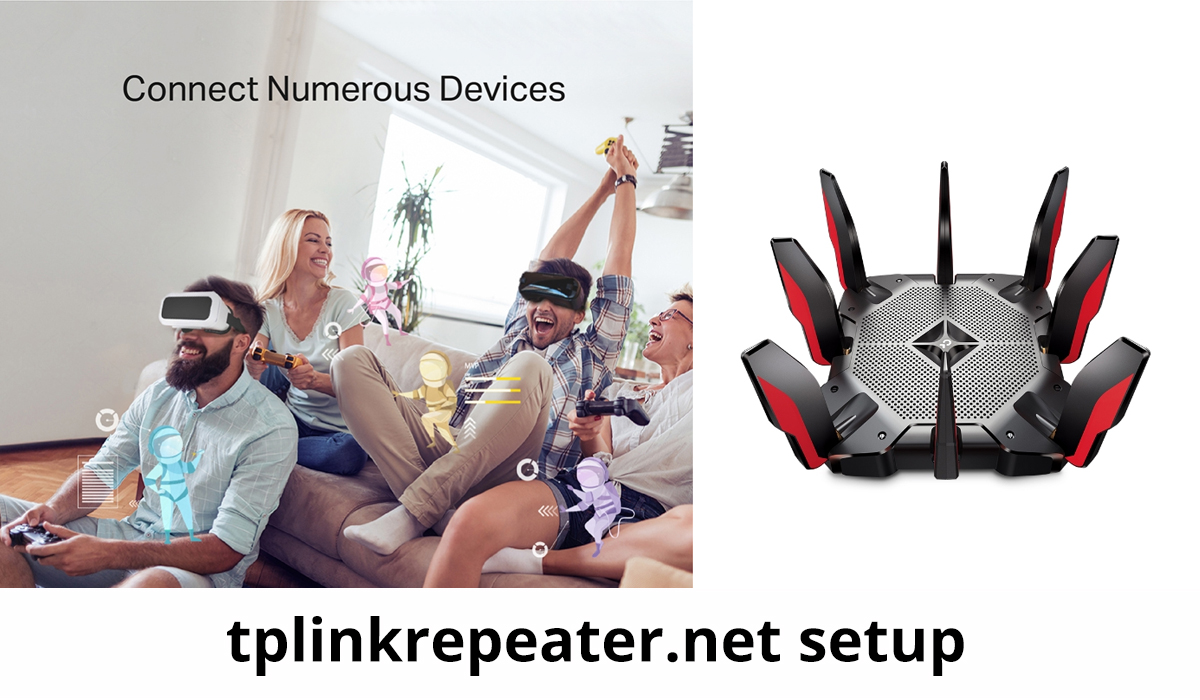
Tp link technologies co. ltd is a chinese manufacturer.It is a chienes networking product.Its founded by two brothers in 1996. These products include high speed cable modems, mobile phones, switches, ADSL, wireless router and more. Its name is based on twisted pair links.Tp link sells through multiple channels like online retailers, traditional retailers, wholseller, digital seller like amazon, flipkart, and more .Tp link router is a combined network.which is used in small offices and companies as per networking requirements.Tp link router also buys by home users for internet access and Tp link router with its excellent wi-fi performance, features and price is very perfect according to the user choice.
How to use Tp link router
If you have bought a new wi-fi router. Then setting up and configuration of the router is very easy.To set up the wi-fi router you follow some uses giving into the below and you can also search into from some google websites.Tp link global provider of networking devices ,accessories and all are the aspects including into everyday life. There are following steps to use the Tp link router:
- Tp link router connected with two or more networks. Tp link router is a networking device.its connected more than networking devices.
- Tp link router usually used wired or wireless.
- Firstly you go into your system wi-fi setting for connecting the router network.
- For connecting the router network. You have to select from your devices like android smartphone/laptop to your router network.
- You can also change your router device name and password with the help of the tether app. You need to search for tplinkrepeater.net create password to setup.
- Select router network name in your device and it will connect to the network automatically.
- Save and finish the process. You can use this network easily.
Configure Tp link router
Tp link is the no. 1 wireless networking company. It provides Tp link wi-fi services into 170 countries and millions of people use this router network . You can configure it as a full router or as a wireless access point. To start the process connected with the tp link router. To connect with the internet, the Tp link router must be connected to the active modem. You can easily use the wi-fi router network.Tp link router network use in mobile phones, laptop, computer, tab etc.
- Firstly switch on the power of your wi-fi router and connect it to your computer or mobile phones.You should go into wi-fi settings and connect the router network easily with the help of ethernet cable.
- Then you have to go into the browser and login for entering password twicely.You create your password as your choice.
- For connecting again to the router network you can use this password.
- Started login for completing the process of configuration and you follow the following instructions given into your system screen.
- Felling into some instructions you can create your router wi-fi name and your set-up your wi-fi password to secure your wi-fi connection.
- Now finish the process of configuration of Tp link router. You can join your wireless router network with the use of a password. You can easily use the tplink router firmware update.
Instructions
You follow configuration steps carefully. You can use the Tp link router for good network facilities .You can follow some instruction for using Tp-link router:
- Firstly you turn off your modem ,computer and router.
- Then you connect your Tp link router with WAN port via ethernet cable and also connect into computer LAN port via ethernet cable.
- Power on your firstly your router, and then power on of your computer and power on of your modem. for more details and information you need
So in this way you can connect your tp-link router.