
- Home
- Arts
- Business
- Politics
- Education
- Technology
- Entertainment
-
More
- Internet
- Mobile
- Real Estate
- Agriculture
- Health And Fitness
- Travel And Tourism
- World News
- Shopping
- Fashion
- Technology
- Books
- Computer
- Economics
- Electronics
- Finance
- History
- Media
- News
- Sports & Games
- Videos
- Automotive
- Wedding
- photography
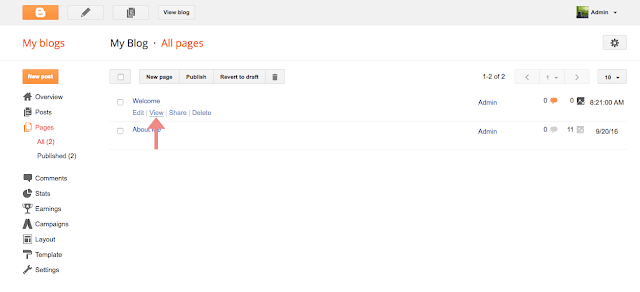
 ??????? post page except for these things static page does not have a label, static pages are not indexed as archive pages and static pages do not appear on the home page. In this post, I'm gonna show you How to create static pages in blogger.