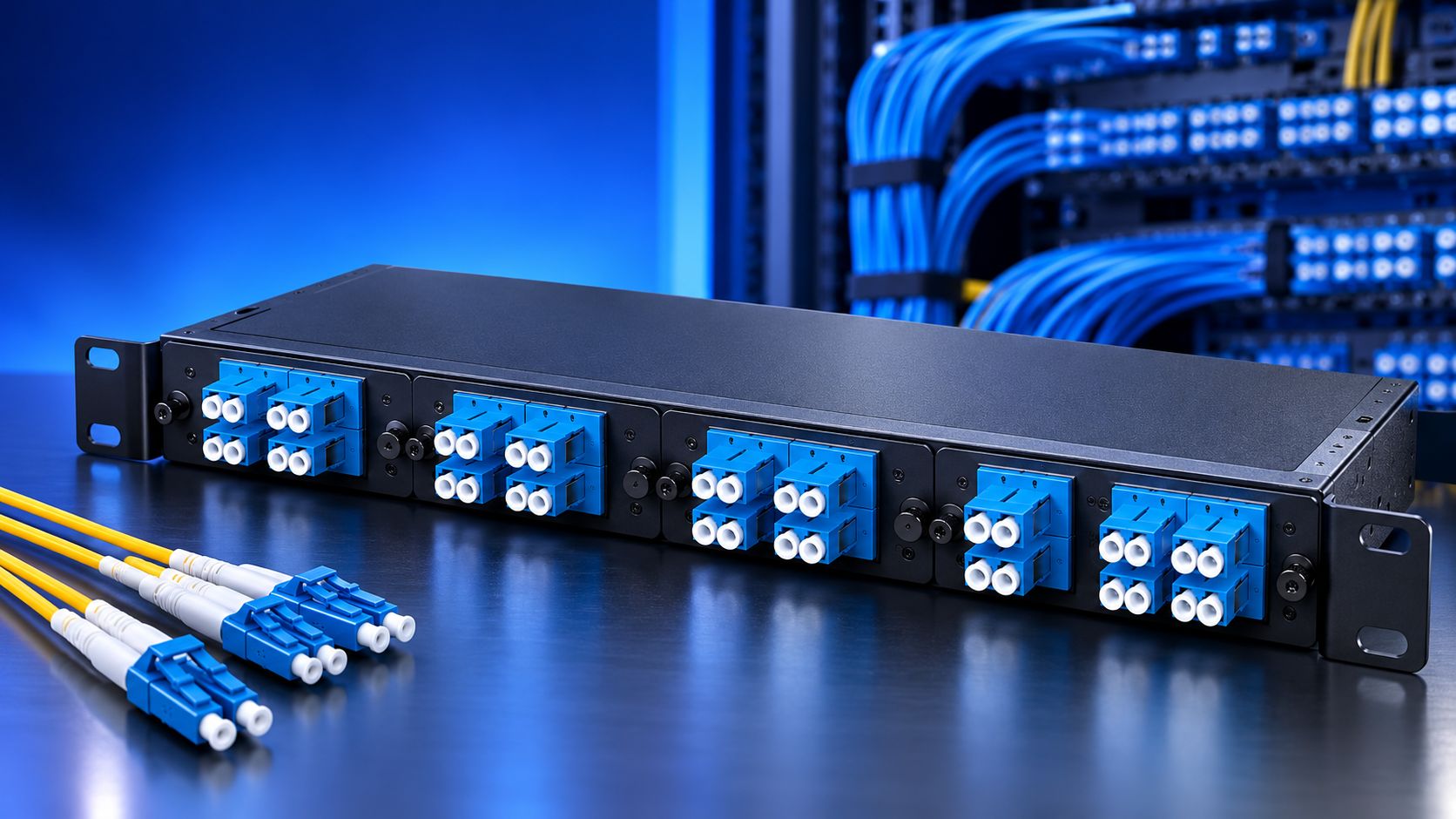
A telecom rack can have plenty of fiber ports and still be hard to manage. The problem often starts with how connections are grouped, labeled, and routed. Fiber optic LGX-style adapter patch panels give network designers a modular way to place fiber adapters inside standard rack spaces. This makes it easier to separate trunks, cross-connects, and equipment links without rebuilding the whole connection area. For a growing telecom system, the value is not only neatness. A well-planned panel can make moves, testing, tracing, and future expansion much easier.
One Panel, Different Connection Roles
LGX-style panels are useful because the adapter area can be organized around the actual network design. A panel can hold compatible modules for different connector formats, depending on the enclosure and module specification. This gives technicians a clear place for each fiber connection and helps keep different services apart.
This allows a rack designer to create clear sections for incoming fiber, cross connections, or links heading toward active equipment. Each section can have its own port range and label system. This can be useful in racks that contain many fiber routes.
The result is a physical layout that follows the network diagram. Technicians can use the rack itself as a guide instead of searching through unrelated connections. A clear layout can also make it easier to check a suspected fault.
Why Modularity Matters After Installation
The first installation is only part of a telecom system's life. Ports may be reassigned. New fiber trunks may arrive. Equipment may move. A network may also need new connector formats as the system changes.
A fixed panel can limit those changes. An LGX-style system can offer more flexibility because compatible modules can be selected for the required adapter format. This can help a network team adjust the connection area without replacing every part of the panel.
This does not mean every module fits every panel. Compatibility must be confirmed by checking the panel size, mounting method, adapter plate format, and manufacturer's specifications.
That check should happen before an order is placed. It can prevent a mismatch between the selected module and the enclosure.
Use the Panel as a Fiber Demarcation Point
A useful LGX layout can create a clear boundary between different parts of a fiber network.
For example, an incoming trunk can terminate on one side of the management plane, while patch cords connect those ports toward network equipment. This separation makes the connection path easier to read.
It can also help during testing. A technician can identify the termination point first, then trace the jumper to the next device. This method can reduce confusion in a busy rack.
This approach works well in telecom rooms, data centers, central offices, and other high-density fiber environments.
Port Numbers Should Tell a Story
A port number should do more than identify a hole in the panel.
Use a numbering plan that relates to the rack, panel, module, and connection group. Keep the same logic across cabinets if the network spans several racks. A clear naming plan can help different technicians understand the same system.
A label can show the panel ID and port number. The network record can then provide the source, destination, fiber type, and service information.
This creates a useful chain of information without placing a large amount of text on the panel itself. Good records also make future changes easier to document.
Density Is a Design Choice, Not a Race
High-density fiber hardware can save rack units, but packing ports too closely can create service problems.
LC interfaces are common in dense systems because their smaller form can support many connections in a limited area. Still, port count should match the cable routing space and access needs.
A technician needs room to identify connectors, remove jumpers, inspect ports, and perform testing. A panel that saves space but blocks access may create more work later.
Leave enough room for fiber bend requirements and cable movement. Crowded routing can place stress on connectors and make service work harder.
Keep APC and UPC Connections Straight
Connector polish is a detail that deserves careful attention.
APC and UPC connectors have different end face designs. They should not be mixed casually in the same connection path. The adapter, connector, and equipment interface must be suitable for the selected optical design.
This is one reason a modular panel should be chosen from the complete fiber plan, rather than from port count alone.
Checking connector type before installation can prevent an incorrect pairing and help maintain the expected optical link.
Make Expansion Part of the First Plan
A telecom rack should have a clear answer for future ports.
Leaving some capacity can make later additions easier. Yet unused space should also have a documented purpose. Otherwise, technicians may not know which ports are reserved.
A simple rack schedule can show active ports, spare positions, fiber type, connector format, and planned use.
This turns empty space into managed capacity rather than wasted rack space. It also gives the team a clearer picture of available room before the next installation.
Final Words:
LGX-style patch panels can bring structure to a telecom connection field by combining modular adapters, organized port groups, clear labeling, and controlled fiber routing. Their real benefit comes from fitting the panel into a complete fiber management plan. For installations that also need high-performance video links alongside network infrastructure, the right armored HDMI hybrid cables USA options can support the cable requirements of the connected equipment.
Planning a telecom fiber rack? Start with the fiber architecture, connector types, port density, routing path, labeling scheme, and future capacity. Then select an LGX-style patch panel that fits the complete design.