Almost every company and brand in the world has a logo that makes us recognize it and not forget that it exists. Your eCommerce or product needs its own logo that can compete with these large companies. But how to make logos unique and memorable?
The truth is that many online platforms can help you. Next, we show you the four best programs to make logos online easily without knowing much about design.
What is a logo?
It is a graphic in which a brand is represented using figures, text, or a combination of both, accompanied by one or more colors. The objective is to transmit a company's ideals, principles, and purpose in a simple and understandable way.
Although there are several types of logos, the best known are Isotypes, logotype, Imagotype, Isologue. They all differ in composition and functionality.
For example, the Isologo combines figures and letters, but it isn't easy to distinguish the brand if they are separated. However, the Imagotype also combines figures and letters, but the brand can still be distinguished when separating them.
What characteristics should your logo have?
Although there are several types of logos, in essence, they have these same characteristics:
Simplicity: It should not be saturated with distracting elements.
Easy to remember: It should be easily recognized and related to the company.
Timeless: That identifies any generation and changes in style.
Meaningful: It must convey the values and purposes of the company.
Singular: It still has to stand out among companies in the same niche or market.
Programs to make logos online easily
Although a logo is made up of several elements and requires a lot of ingenuity, there are programs to make them on the Internet that make everything easier. These are the best:
DesignEvo

DesignEvo is one of the most popular tools for making designs online. It is the solution for those who want to make logos and have no idea where to start. With its more than 10 thousand templates and millions of vector figures for icons, a unique logo can be made in PDF, PNG, JPG, and SVG formats.
It has special functions such as logo combination, a wide color palette, more than 100 types of text fonts, shapes, and backgrounds.
Logo downloads can be free. You can create many logos and save them in the cloud. The created logo can be used for digital environments such as social networks and marketing platforms, as well as for prints.
- Logaster
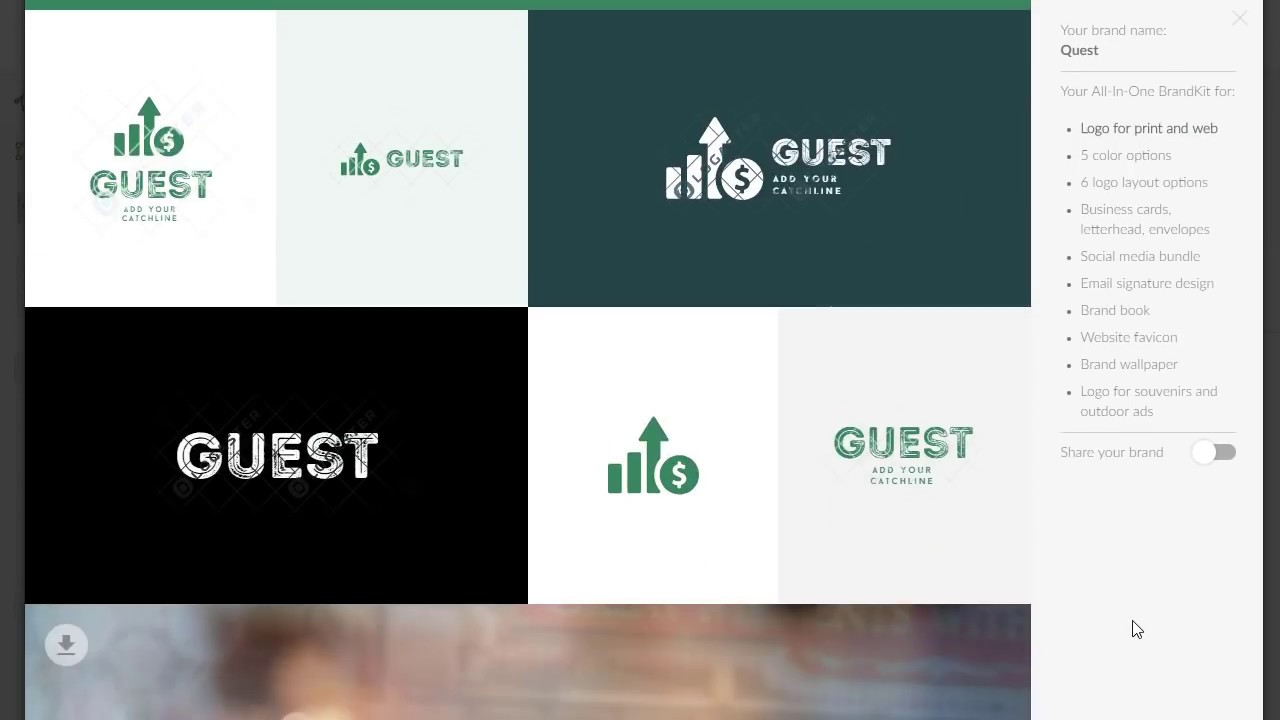
Logaster is designed for business and commercial brands, although any user can use it.
It offers a powerful logo maker with many customization options in which the company name is entered. And a standard design is generated to which the other graphic and text elements can be added.
Logaster logos are created in JPEG, PDF, PNG, and SVG formats for print and digital use, for example, on social media and the company website. Also, you can create a favicon, a signature for emails with the style of the logo, letterhead in a template for Word, and a design of business cards.
Anyone can make logos for their own use. Logaster provides a manual that advises on the use of fonts, colors, identity rules, and other design aspects. Although it is a payment platform with several packages, it allows you to create a simple design at no cost.
- Canva

Canva offers multiple options, including a logo maker that can be designed using its many templates, fonts, colors, and images, which in most cases can be used at no additional cost.
It has its own tools, such as Background Remover, to remove and edit the background of an image. And Magic Resize to optimize the size and quality of images. Using these tools, Canva allows you to create original, multi-format logos for print and digital use.
- GraphicSprings
 ???????
This platform is exclusively dedicated to creating logos, so it offers very varied design options such as hundreds of templates, colors, text fonts, vectors, effects, and more. However, the big problem with GraphicSprings is that it does not grant copyright in any design.
It is very easy to use. Only the company name and slogan are added based on the number of characters available, the brand's industry category is chosen, the editing elements are added, and the file is downloaded.
Although no payment or subscription is required to start using this logo maker, it is necessary to pay to download it for the first time.