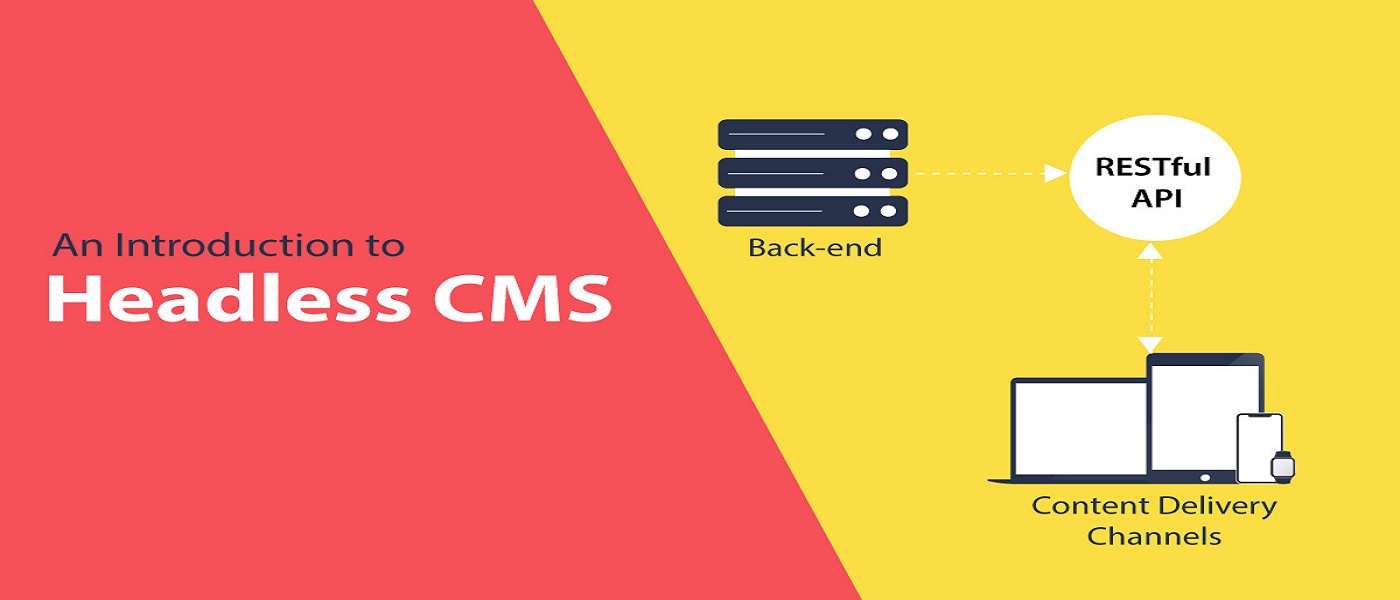
Do you feel troubled while setting up a headless environment for modern website development? Is this stopping you from creating a new website on the headless WordPress approach? Maybe this is absolutely no problem for developers and tech people, but to many others that are considered a hindrance.
Let’s make things simpler for you by breaking them down into three steps.
Step 1: Set up an AWS account:
AWS requires a little more exertion than a regular web server to get started. For static websites, however, this platform can be extremely cost-effective. It might be as low as $0.50 each month. You shall utilize the Amazon S3 tier for a headless WordPress install because it includes 12 months of free hosting. It is quite simple to create an account; just click the Get started with Amazon S3 button and fill out the needed fields in the registration form. The button will say Complete Sign Up instead if you're already connected to an Amazon account. You will be asked to re-enter your email address or login credentials, but the process will remain the same.
Step 2: Generate a static copy of your website:
You still need to install WordPress somewhere to use it as the back end of your site and to produce static content for the front end for this setup to operate. One option is to construct a local WordPress installation to avoid paying for two distinct hosting companies.
You can create a local WordPress website in a variety of methods, including:
- Using a program like XAMPP to create a complete local WordPress environment.
- Setting up local WordPress installations with technologies like Local by Flywheel.
After that, you can modify and design your site as you see fit. Make changes to your settings, pick a theme, and start writing your pages and articles. When you're satisfied with it, you'll be able to produce a static copy for your site's front end.
To do so, go ahead and set up the WP2Static plugin:
- You may achieve the same result with a variety of additional plugins. WP2Static, on the other hand, works with a variety of platforms right out of the box, including AWS, Netlify, GitHub Pages, and more.
- Once the plugin is installed, go to the WP2Static tab in your dashboard to see its options. It will take you straight to the Deploy static website tab, which is where you want to be.
In the Destination URL section, type the URL that visitors will use to access your website, this will be determined by your Amazon S3 configuration. Then, from the selection at the top of the screen, choose Amazon S3: You shall need to specify a few parameters and link AWS to your website before you can deploy it, which you'll accomplish in the next step.
Step 3: Auto-deploy static pages to AWS:
???????
When you choose Amazon S3, you'll see several new fields appear: You shall need to input both your access key ID and secret access key before you can start deploying. Keep in mind that the deployment will only function if the access key ID you use has the appropriate permission levels. Select the region your AWS bucket was created in and input its name as it appears in your AWS interface once you've pasted your keys into their corresponding fields.
Finally, scroll down to the bottom of the page and select the button labeled "Start static site export." Depending on the size of your website, the process may take some time. You should be able to access the live static version of your website after it's finished.
Conclusion:
A headless WordPress setup is not appropriate for all websites. A static front end, on the other hand, could increase the security and performance of your site if you don't rely heavily on dynamic parts.
In addition, you shall probably save money on hosting. The WordPress plugins can be used to create a static website using a headless WordPress installation with frontend based on SSGs like Gatsby and Next. It comes pre-configured to operate with AWS and a variety of other platforms, and you can produce and deploy a static duplicate of your site in minutes.